Flit New Tab
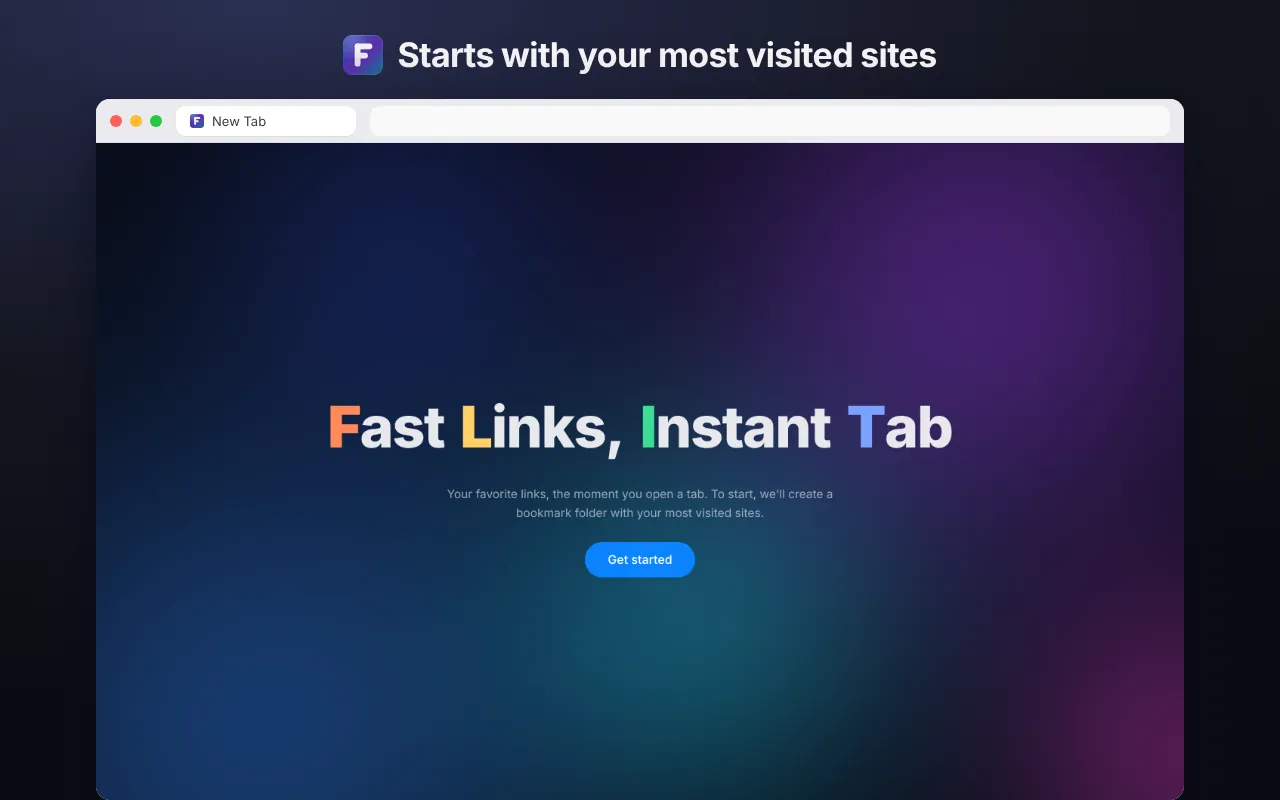
Fast Links, Instant Tab.
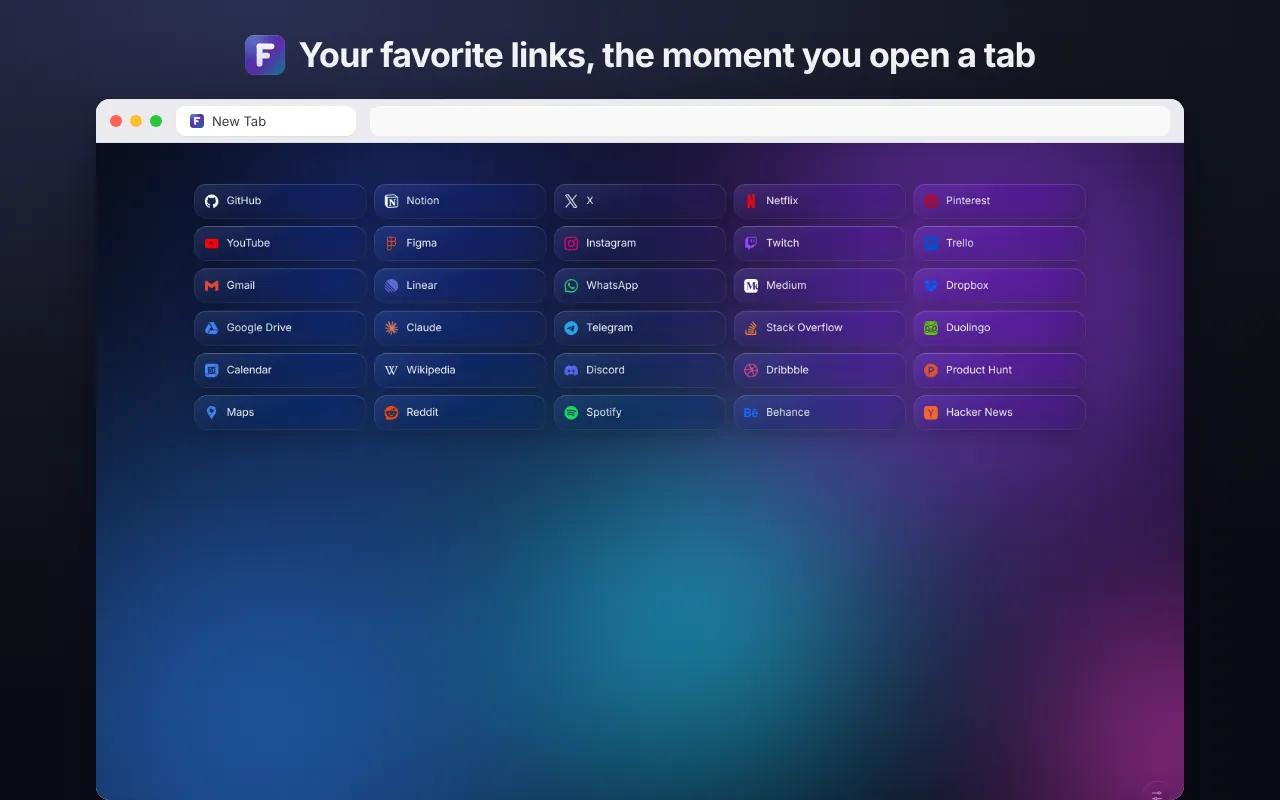
Flit New Tab is a free, open-source extension for Chrome and other Chromium-based browsers that replaces the new tab page with the links from one bookmark folder you choose. The page is ready the moment you open a tab, with no accounts, ads or data collection.
- Version
- 2.0.0
- Price
- Free
- License
- Open source, MIT
- Languages
- English, Turkish
- Browsers
- Chrome, Edge, Brave, Arc and other Chromium browsers (120+)
What it does
- InstantThe page paints from a local cache before any script runs. No flash, no waiting, no layout jump.
- Your bookmarksLinks live in a normal bookmark folder: Other bookmarks › Flit. Edit them anywhere in the browser and the page follows. They sync to your other devices like any bookmark.
- Quick to manageRight-click to edit, copy or delete (with undo). Paste a link to add it, drag to reorder, press Alt+1–9 to open.
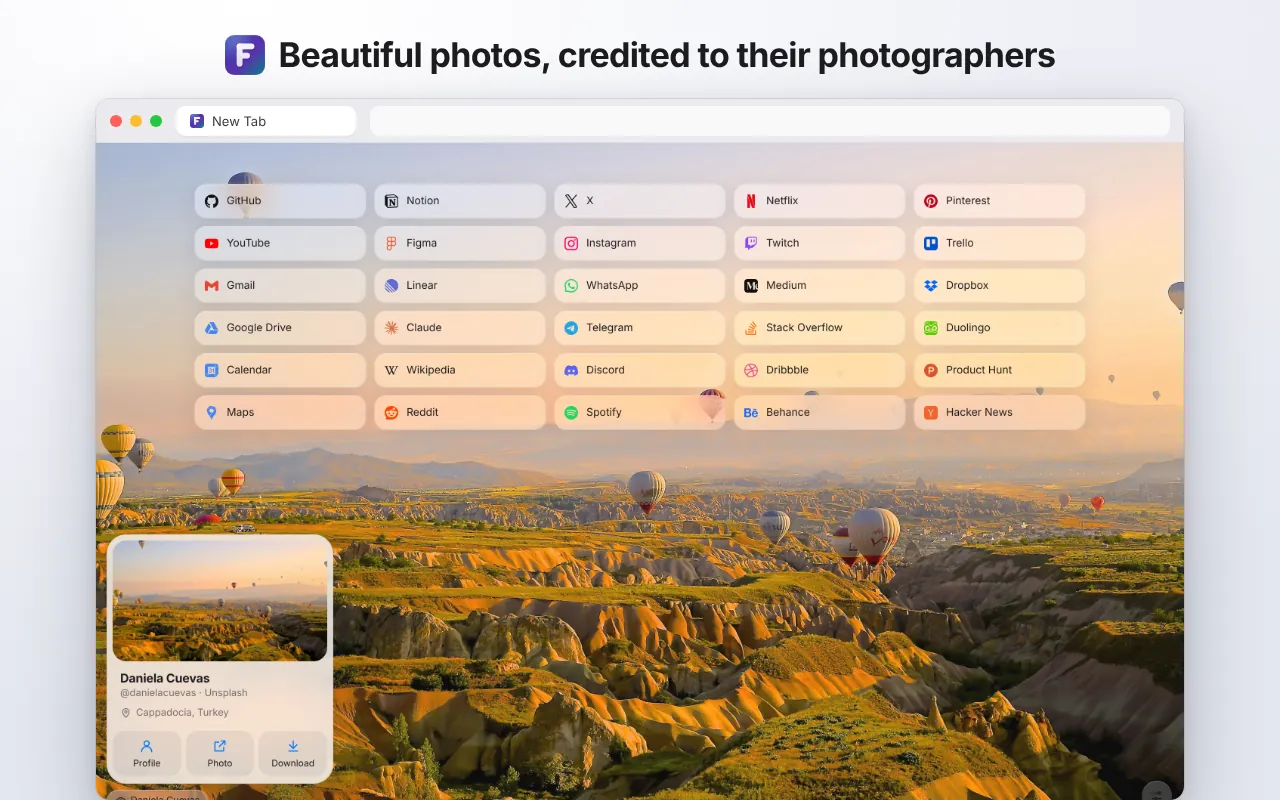
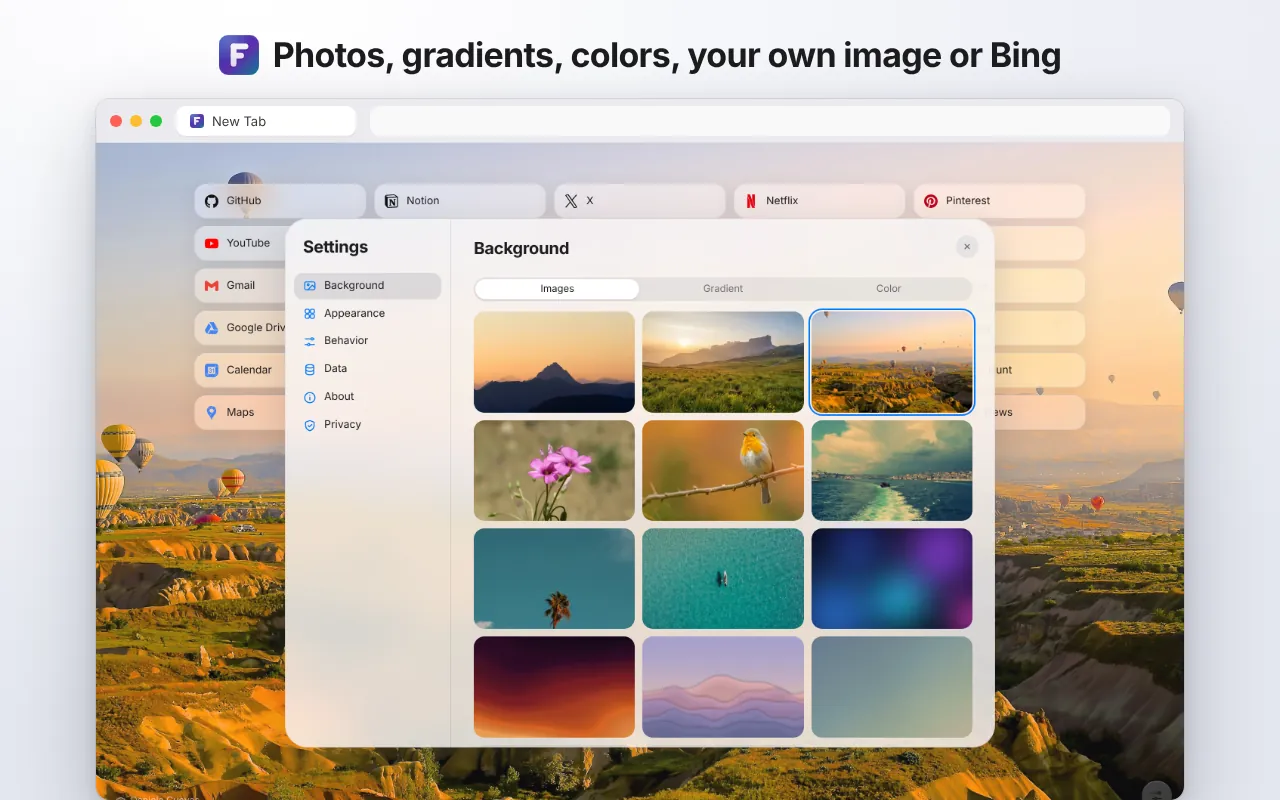
- BackgroundsPhotos credited to their photographers, abstract wallpapers, gradients, solid colors, your own image or Bing's image of the day. Dim and blur to taste.
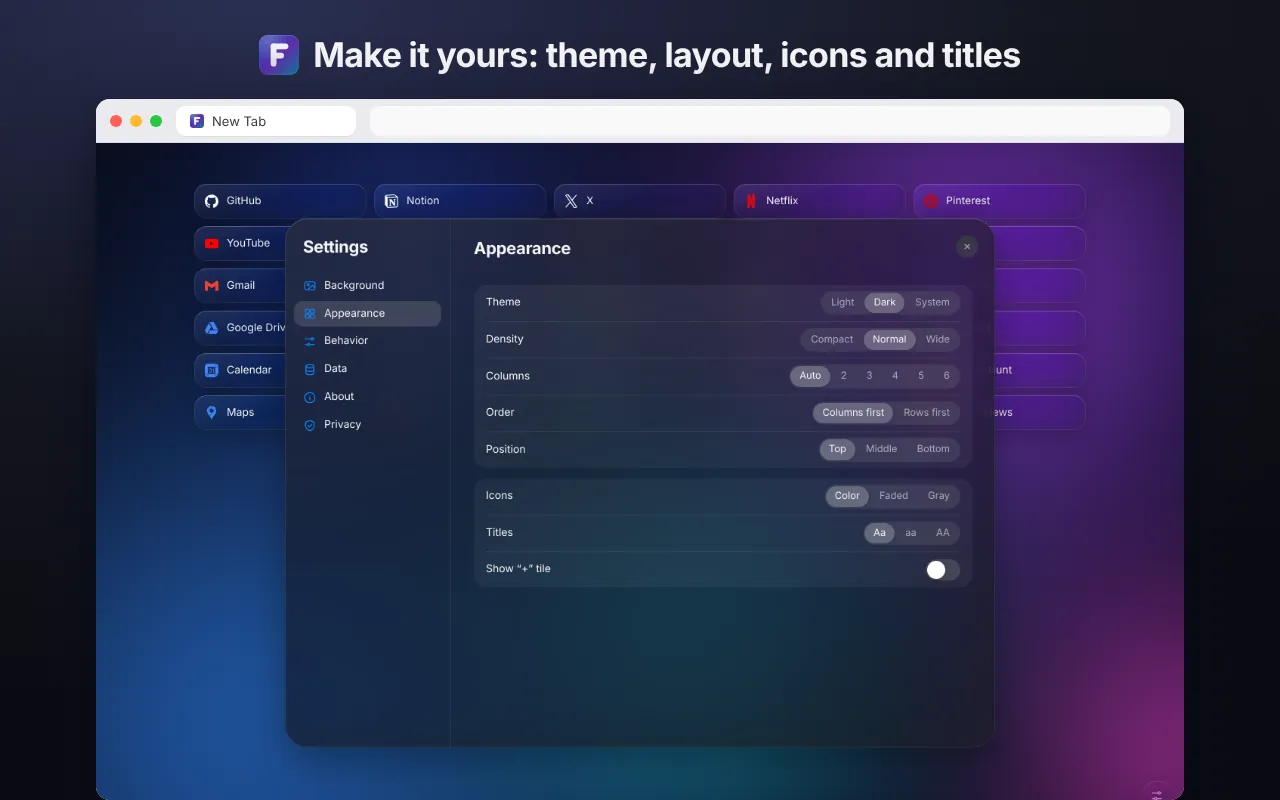
- Make it yoursColumns or rows, density, position, light, dark or system theme, faded or gray icons, lowercase or UPPERCASE titles.
- Back up and restoreChoose what goes in the file: settings, links, your own image. Restore it whenever you like.
Screenshots
Privacy
Flit doesn't collect, sell or share anything. No analytics, no ads, no trackers, no remote code. By default it makes no requests to the internet. The only optional one is Bing's image of the day, after you turn it on.
Read the full privacy policy →
Permissions and why
| Permission | Why |
|---|---|
| Bookmarks | To show, add, edit, reorder and delete the links in the Flit folder, and to create that folder on first run. Other bookmarks are not touched. |
| Storage | To save your settings. If browser sync is on, they sync with it. |
| Most visited sites | Read once, only when you press “Get started” on first run, to fill the new folder. Not stored or sent. |
| Site icons | To show each link's icon from the browser's own icon cache. |
| bing.com (optional) | Requested only if you pick Bing's image of the day. Downloads the image once a day. |
How to install
- Open Flit New Tab on the Chrome Web Store and press “Add to Chrome”.
- Open a new tab and press “Get started”. Flit creates a “Flit” bookmark folder with your most visited sites.
- Right-click a link to edit it, or paste a URL to add one.
To install from source, download the repository, turn on Developer mode at chrome://extensions, press “Load unpacked” and choose the ext folder.
Frequently asked questions
Is Flit New Tab free?
Yes. It is completely free, with no ads, subscriptions or accounts. The source code is open on GitHub under the MIT license.
Where are my links stored?
In your browser's own bookmarks, in the “Flit” folder under Other bookmarks. Rename or move the folder and Flit still finds it. Because they are bookmarks, they sync to your other devices with browser sync.
Does Flit collect my data?
No. It doesn't collect, sell or share anything. There are no analytics, ads or trackers, and by default it makes no requests to the internet.
Which browsers does it work in?
Chrome, Microsoft Edge, Brave, Arc and other Chromium-based browsers, version 120 or later. Firefox and Safari are not supported yet.
Does it have a clock, search box or weather?
No, on purpose. Flit does one thing: show the links you chose, instantly.
How is it related to Sade New Tab?
Flit is the rewritten 2.0 version of Sade New Tab (formerly Basit New Tab and btab). It arrives as an update to the same Chrome Web Store listing, and your existing “btab” folder keeps working.
Can I back up my settings?
Yes. Under Settings › Data you can back up your settings, links and your own image to a file and restore it later.
Are there keyboard shortcuts?
Yes. Alt+1 to Alt+9 open your first nine links.
Its story
I wrote the first version for myself years ago as btab, shared it in 2016 as Basit New Tab, and later renamed it Sade New Tab. Flit is a complete rewrite of the extension I have used every day for almost a decade: faster, simpler and private by design.
Links